The 2026 “Chaotic Genius” Creator Kit: AI Gadgets That Actually Do the Work While You Take the Credit 🎭⚡

Let me paint you a picture.
It’s 11 PM. You’re three cups of tea deep, your laptop fan sounds like it’s auditioning for a turbine engine role, and you’re toggling between seventeen browser tabs trying to find that one note you swear you wrote down somewhere in some app on some device.
Sound familiar? Yeah. That’s not a productivity problem. That’s a hardware problem.
Here’s the uncomfortable truth nobody in the “hustle culture” corner of the internet wants to admit: your genius is only as fast as your tools. The most brilliant creator strategy in the world will hit a ceiling the moment your workflow is built on borrowed time, overheated machines, and memory that relies entirely on vibes and hope.
The real elite creators — the ones quietly producing at a pace that looks almost suspicious — aren’t working harder. They’ve just stopped fighting their own gear.
So under the Zivora philosophy, we don’t do “good enough.” We build ecosystems. We buy assets, not accessories. And we pick tech that earns its shelf space every single day.
Buckle up. Here’s what a genuinely future-proof 2026 creator stack actually looks like.
1. The Device That’s Basically a Second Brain (But Cooler and Has Better Posture)
You know what’s wild? We carry powerful AI in our pockets, yet we’re still fumbling to unlock our phones every time a brilliant thought shows up uninvited at 3 AM.
Enter the Plaud NotePin Wearable AI Recorder — and yes, before you ask, it does look as sleek as it sounds. This tiny, magnetic little device clips onto your collar, your wrist, or your jacket lapel, and with one tap it records everything: the shower epiphany, the voice memo you’d normally forget, the client discovery call you’re definitely too distracted to transcribe yourself.
Then the real magic kicks in. Its LLM backend chews through your raw audio and spits out clean, structured summaries, action items, and Notion-ready notes before you’ve even made it to your desk.
No more “I had the best idea and now it’s just… gone.” No more re-listening to a 47-minute meeting to find the one number your client mentioned once.
Your mind stays clear. Your notes stay flawless. You get full credit for being organized while the NotePin does all the actual work.
➔ Grab the Plaud NotePin on Amazon
2. The Monitor That Will Make You Question Every Life Choice You Made on a 13-Inch Laptop
I say this with love: if you are still editing video, managing a digital storefront, or running a content pipeline on a single small laptop display, you are essentially trying to run a restaurant out of a food truck parked inside a closet.
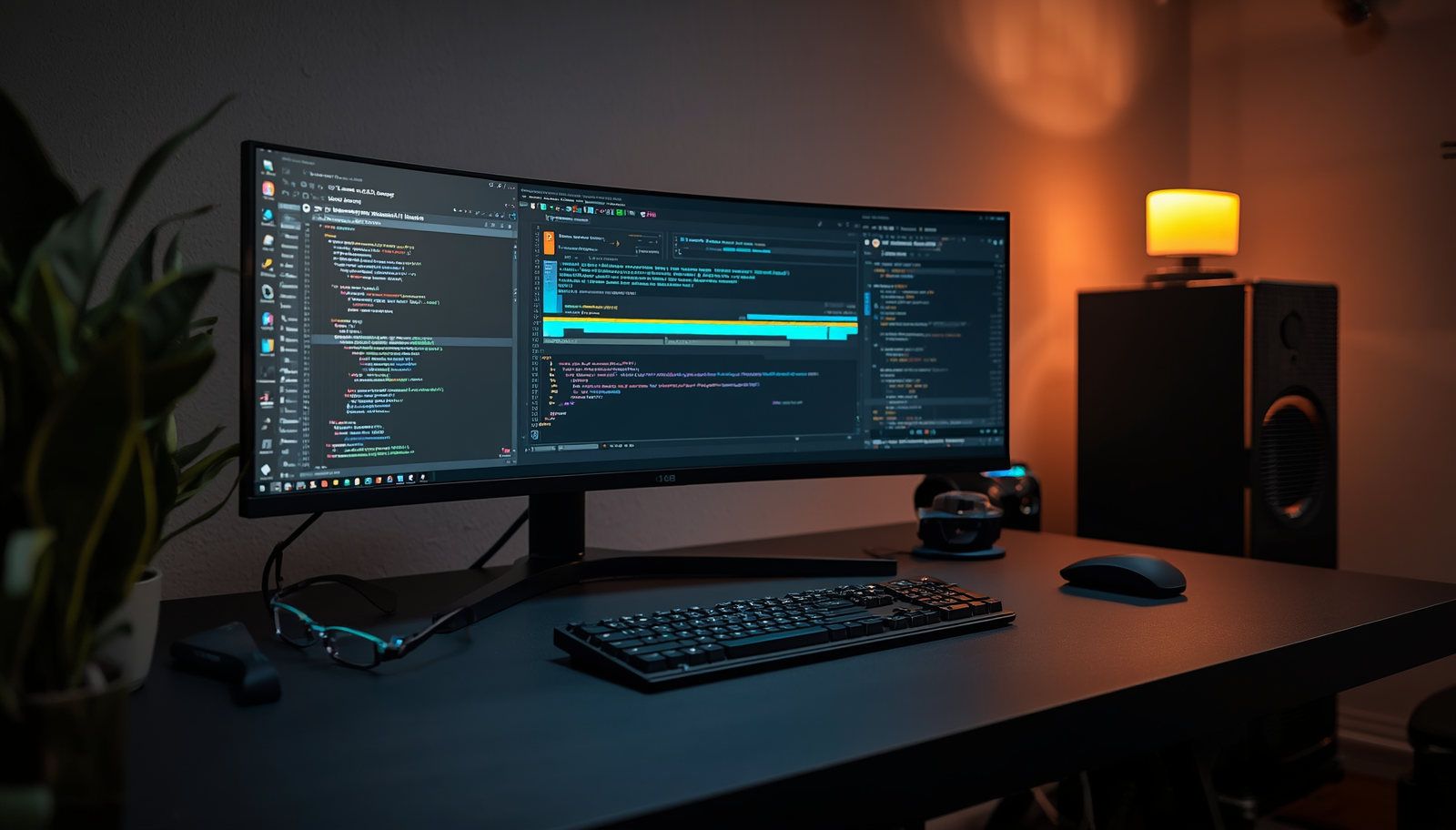
The 40-Inch Curved Ultrawide Creator Monitor (MSI, ASUS ProArt, or LG UltraGear — the whole gang is excellent) is the kind of upgrade that makes you sit back, stare at your screen, and whisper “oh no, I’ve been suffering.”
The screen real estate alone is transformative. Imagine your video timeline on the left, your preview window in the center, your client chat on the right, and your asset library floating at the bottom — all simultaneously, without a single Alt+Tab ruining your focus state. That’s not a dream. That’s Tuesday.
The 5K2K resolution and factory-calibrated color accuracy are particularly non-negotiable for visual creators. When your audience sees your content on a proper display, it should look exactly how you intended. Not “close enough.” Not “pretty good.” Exactly right.
Your eyes will forgive you. Your output quality will improve. Your old 13-inch laptop will feel deeply betrayed.
➔ Upgrade Your Visual Command Center on Amazon
3. AI Glasses That Make You Look Like a Genius (Because You Basically Are Now)
Here’s a sentence I genuinely did not think I’d be writing in complete seriousness: you should probably be wearing AI glasses.
The Meta Ray-Ban Smart Glasses have crossed that rare and important threshold from “interesting tech experiment” to “daily workflow tool” — and they did it while looking like something you’d buy at a boutique in Milan, not a tech expo in Las Vegas.
Traveling and spotted a conference poster in a language you don’t speak? They translate it through real-time audio. Trying to research a product on a shelf at a store? Ask them and they analyze what they’re seeing and brief you through a subtle earpiece. On a walk when a content idea strikes? Dictate a voice note with no hands, no phone, no fumbling.
The real power here isn’t any one feature. It’s the fact that your AI assistant is now always present, always ambient, never requiring you to stop moving to consult it. Your hands stay free. Your context stays uninterrupted. Your workflow doesn’t pause just because you left your desk.
They look like premium eyewear because they are premium eyewear. The AI is just a very impressive bonus.
➔ Explore the Meta Ray-Ban Smart Glasses on Amazon
4. Your Own Private Cloud (Because Paying Forever for Storage You Already Own Is Genuinely Absurd)
Let’s talk about the subscription trap, since nobody else seems willing to say it directly.
You are paying — every single month, indefinitely, with no end in sight — to store your own files on someone else’s server, access them only when their platform cooperates, and watch your costs quietly scale upward every time you produce something large.
The Synology 4-Bay NAS System is the one-time investment that ends that entire conversation.
It sits in your studio or home office like a quiet, professional appliance. It runs your own private cloud. It lets you access every file — your 4K footage, your entire asset library, every client deliverable, every product file — from anywhere on the planet, instantly, securely, with zero monthly fee eating at your margins.
For digital product creators specifically, this is a non-negotiable. When your library of templates, guides, video files, and brand assets starts scaling into hundreds of gigabytes, you need storage infrastructure, not a subscription that gets pricier the more successful you become.
You built the content. You own the content. Your storage should feel the same way.
➔ Build Your Private Creator Cloud on Amazon
💡 The Part Where We Get Honest For a Second
Here’s the thing about premium hardware that no affiliate article will ever tell you plainly: gear optimizes execution. It does not create strategy.
You can have the cleanest desk setup in your city. You can have four monitors, a wearable AI, and a private cloud the size of a small data center. And if the business underneath all of it isn’t structured to convert attention into real, recurring revenue, you’ve just built the world’s most expensive hobby setup.
The single highest-leverage investment any creator or freelancer can make isn’t a gadget. It’s an operational upgrade — understanding exactly how to position, price, and structure your work so that your output actually earns what it deserves.
That’s exactly what Freelance Fire: Ignite Your Career is built around.
This is the internal blueprint we designed to bridge the gap between creator and CEO. Inside, you’ll find a clean, honest 6-step framework covering:
The Authority Positioning System — how to package and present your skills so premium clients recognize your value before you’ve said your rate.
The Pricing Without Apology Method — the exact language and structure to confidently charge what your work is worth and stop negotiating against yourself.
The Recurring Revenue Architecture — how to design your client relationships so you’re not starting from zero at the beginning of every month.
Because the most expensive thing in any creator’s career isn’t a monitor or a NAS server. It’s undercharging for good work, year after year, because no one ever explained the business side clearly.
The tech on this list will make you faster, sharper, and significantly less frustrated by the mechanical friction of creative work.
The strategy inside Freelance Fire will make it all worth something.
➔ [Download Freelance Fire on my Kaartal] and build the foundation that makes the gear make sense.
This article contains affiliate links. Purchasing through them supports the Zivora content operation at no extra cost to you. We only recommend tools we’d genuinely add to our own stack.